
Sound-Capable Video: A Two-Track Brief Worksheet
Midjourney AI Team · November 12, 2026 · 5 min read
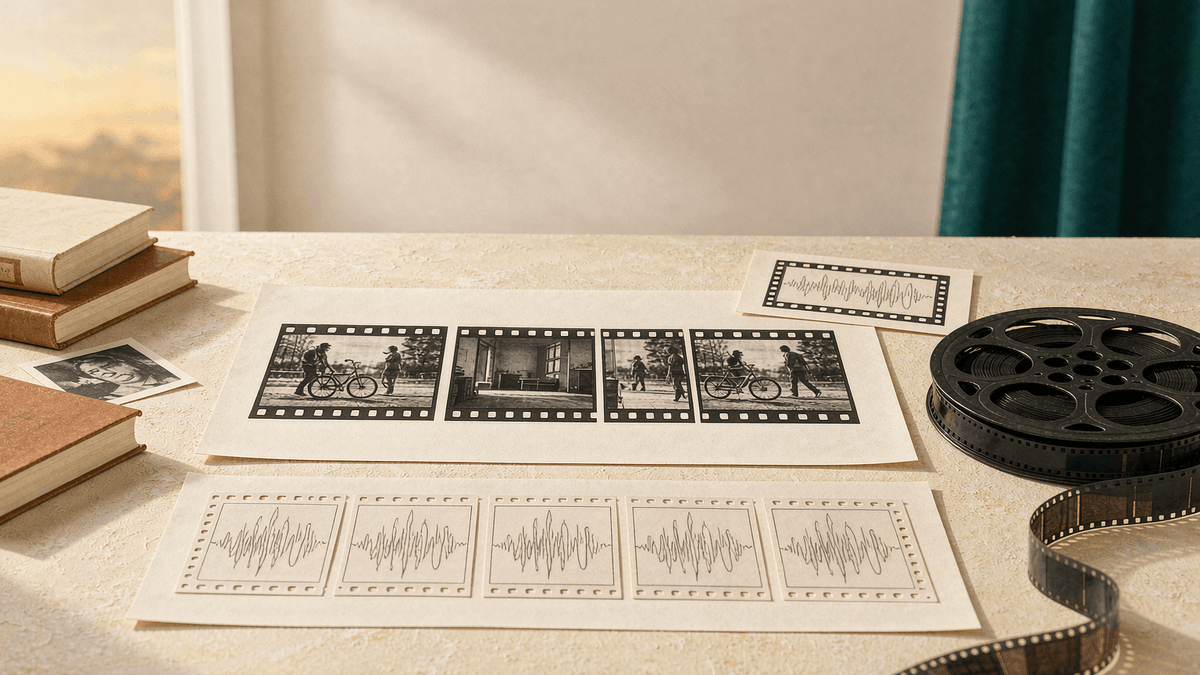
November office-hours reporting puts a video model with generated sound on Midjourney's roadmap — no date, no pricing, no capability list. The useful move now is not waiting. The picture side of a video brief is already testable with today's tools, and the audio side can be pre-structured as empty columns so the first week after launch becomes a comparison exercise instead of a scramble. This worksheet gives you that structure. It is a suggested process, not a tested one; nothing here is promised behavior of an unreleased model.
What you can and cannot assume
Confirmed enough to plan around: a future Midjourney video model is expected to generate sound along with motion, per November office-hours reporting. Not confirmed: release date, clip length, audio style control, voice support, or how prompts will be written. Everything below therefore treats audio as a planning column, never as a prompt expectation.
What you can do today with shipping features: lock the picture track using V8.2 stills and the current video tools, and record which stills survived contact with motion. That is real work now, and it is exactly the baseline a sound-capable model will be judged against.
The two-track brief worksheet
Run every video concept through this table before generating anything. Copy it into your project notes as-is.
| Shot | Picture track (fill now) | Audio track (fill at launch) |
|---|---|---|
| 1 | Subject, action, camera move, aspect ratio | Expected ambience, one key sound event |
| 2 | Same, plus what must stay consistent with shot 1 | Expected ambience, sound event, or deliberate silence |
| 3 | Transition type into the next shot | Whether sound should bridge or cut with the transition |
Rules for filling it:
- One camera move per shot. If the picture needs two moves, split the row. Single-move shots are the ones that survive motion passes most reliably.
- Name the consistency anchor. For each shot after the first, write what must match shot 1: the subject's wardrobe, the set, the light direction. This becomes your reference-image plan.
- Silence is a row entry, not a gap. A deliberate silent beat between two sound events is a creative decision. Write it in the audio column now so nobody fills it with default ambience later.
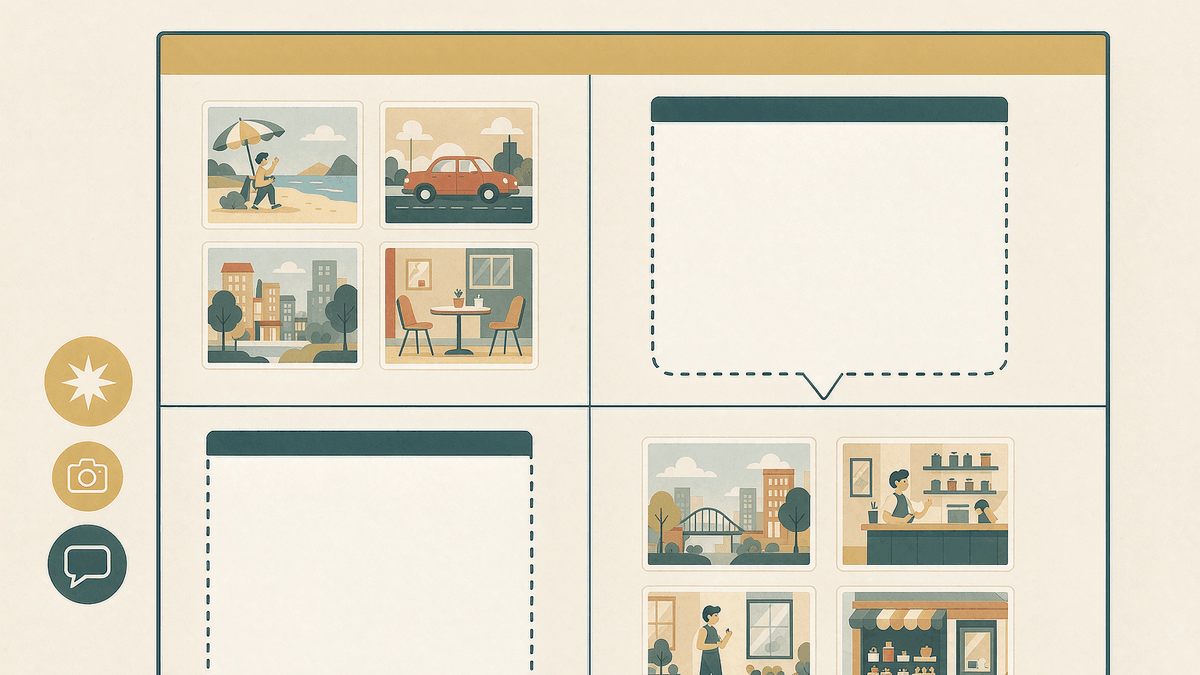
Lock the picture track today
With the audio column deliberately empty, the picture side can be produced now:
- Generate the hero still for each shot with V8.2. Write the winning prompt and its settings into the picture column, not into chat history. For prompt-structure fundamentals, see prompt fundamentals.
- Run one motion pass per hero with the current video features and record which stills held up. Expect failures on complex hands, small text, and multi-object interactions; those shots need a simpler still or a tighter crop before launch week.
- Freeze a picture-track version. Save the approved stills, prompts, and aspect ratios in one folder. This frozen set is your launch-day baseline — you will compare the new model against it, and against it only.
Do not try to pre-write sound prompts. There is no documented syntax, and inventing one now guarantees rework.
Plan deliberate silence before sound exists
The most common mistake in first-run audio work is continuous ambience from frame one. Decide now where your concept wants quiet. A two-second silent beat after a door closes does more work than a full bed of noise, and it is the kind of decision that is easy to make on paper and hard to make under deadline. Mark silent segments in the worksheet exactly like sound events.
Launch week: a comparison, not a restart
When a sound-capable model actually ships, the worksheet converts into a test protocol:
- Re-run each frozen picture-track prompt through the new video pipeline unchanged. Change the model, not the wording — otherwise the comparison measures the prompt, not the model.
- Fill the audio column for the top three shots only. Three evaluated rows beat nine skimmed ones.
- Score both tracks against the brief: did the motion keep the anchor, and does the generated audio match the planned ambience, event, or silence?
- Keep whatever beats the baseline; keep the baseline for everything else. First-generation audio will not win every row, and that is expected.
Record results as observations of your own tests. Do not publish "official" behavior claims before the docs say them.
Limits of this worksheet
This process cannot promise anything about an unreleased model: clip length, audio style control, voice generation, and pricing are all unknown, and the roadmap item itself comes from office-hours reporting rather than an official product page. What the worksheet guarantees is narrower and still valuable — a frozen picture baseline, named consistency anchors, and audio decisions made on paper instead of under pressure. For the roadmap context behind the video item, see V9 November status.
Start in MidassAI Studio
Keep the frozen picture track, its prompts, and the worksheet in one MidassAI Studio project folder so launch week starts from a folder, not a search. Try Midjourney in MidassAI Studio and freeze one three-shot concept this week.